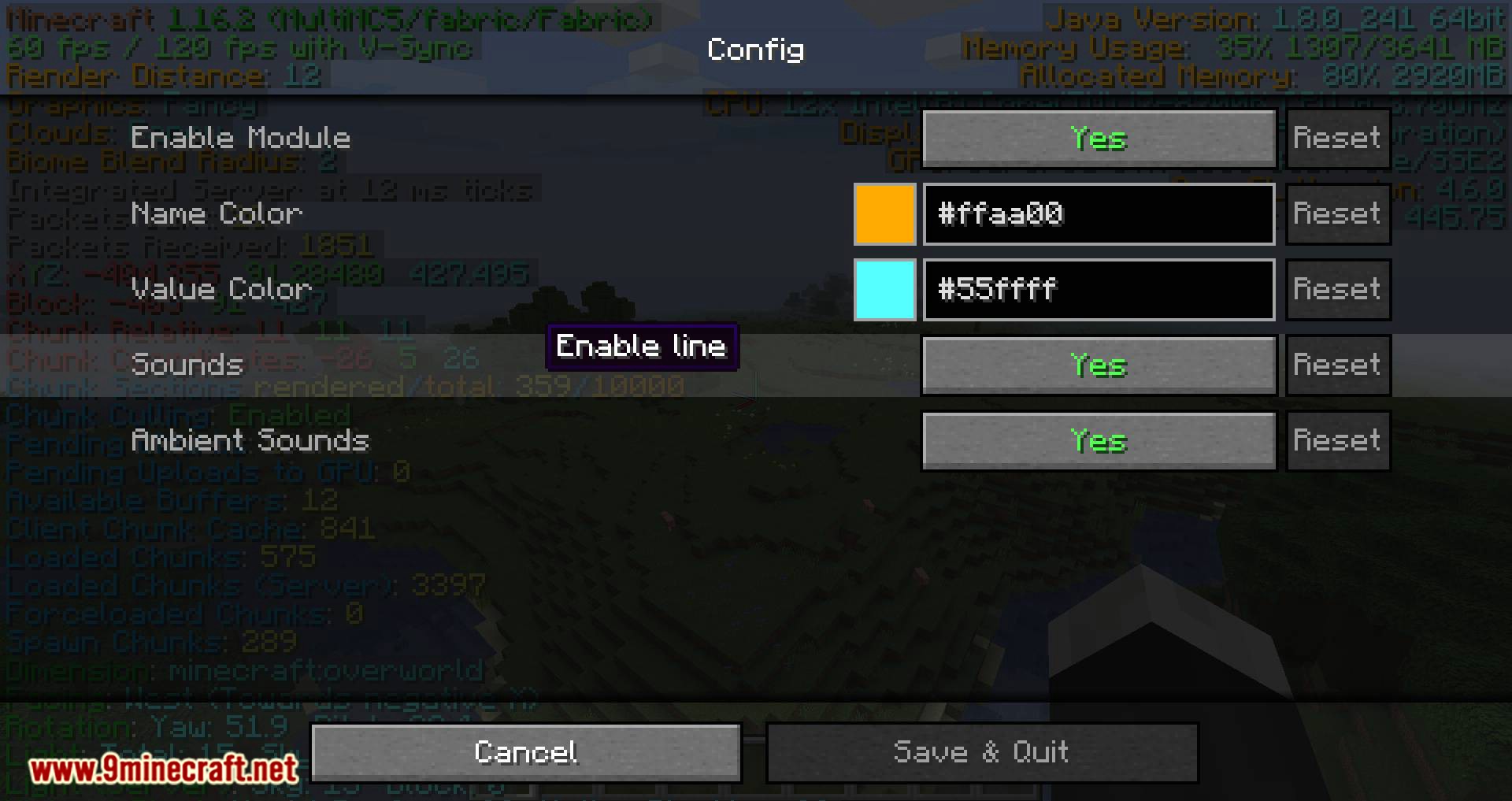
If your layout is difficult to read or a configuration change caused problems, resetting Better F3 mod should be a controlled recovery step. Preserve a backup before removing or replacing any settings file.
Use the built-in reset first
If your installed version provides a reset action in its configuration interface, use that before deleting files manually.
Back up the instance
Copy the current configuration even if it looks wrong. That backup can help you recover individual values later.
Change only the Better F3 configuration
Avoid deleting unrelated mod settings while troubleshooting. Isolate the reset to the component you are actually trying to repair.
Rebuild in small steps
After a successful reset, change one category at a time and test the layout before moving on.
Recommended next step
Return to the main Better F3 mod page to review compatibility, installation and the configured project download link before changing your Minecraft instance.
Download Now